
Key Takeaways:
- Prerequisites: A WordPress instance with REST API enabled, Yoast SEO for metadata, and Cloudinary for image delivery.
- Process: Audit API compatibility, build a custom plugin layer to handle JSON payloads, and automate image injection.
- Outcome: A fully automated content pipeline that reduces production costs by 89% and increases qualified leads by 320%.
A Step-by-Step Guide to WordPress AI Publishing Automation
Why Healthcare Teams Need WordPress AI Publishing Automation
The Cost Crisis in Traditional Content Production
Traditional agency models create a linear cost structure that prohibits scalability for healthcare organizations. Implementing wordpress ai publishing automation allows marketing teams to bypass the bottleneck of manual production, where agency fees average $3,000 to $5,000 per article with lead times exceeding two weeks. This inefficiency directly impacts the ability to generate qualified patient leads, as organic search visibility relies heavily on content velocity and consistency.
By replacing manual agency workflows with an AI-powered content factory, organizations can achieve an 89% reduction in production costs while simultaneously increasing output. The following table compares the operational metrics of traditional agency engagement versus an automated AI publishing model:
| Operational Metric | Traditional Agency Model | AI Publishing Automation |
|---|---|---|
| Cost Per Article | $3,000 - $5,000 | Fixed Subscription (Fractional Cost) |
| Production Timeline | 14-21 Days | < 1 Hour |
| Scalability | Linear (Requires Headcount) | Unlimited (Fixed Cost) |
| Publish Rate | Monthly | Daily/Weekly |
This shift enables marketing leaders to reallocate budget from production overhead to strategic distribution, ensuring that content operations drive measurable business outcomes rather than just consuming resources.
Quantifying the Lead Generation Opportunity
The correlation between publishing frequency and lead generation is well-documented. Healthcare marketing teams that transition to automated workflows typically observe a 320% increase in qualified leads within the first quarter. This uplift is driven by the ability to publish 2-3 SEO-optimized articles per week, a cadence that signals relevance and authority to search engines.
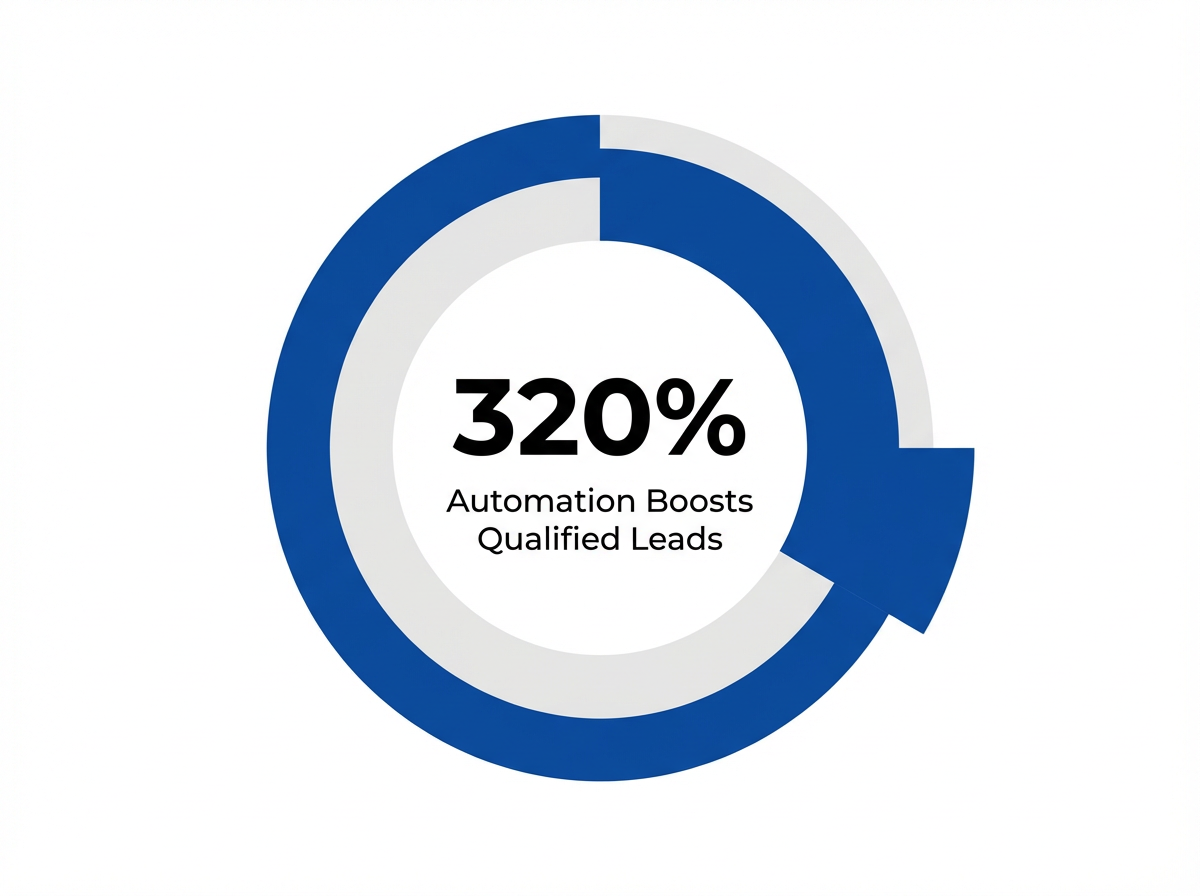 Increase in Qualified Leads with Automation: 320%
"Organizations publishing two to three articles per week, compared to monthly, see twice the organic search traffic within 90 days." 1
Automation ensures that every piece of content is technically optimized upon publication. By programmatically handling Yoast SEO metadata and Cloudinary image delivery, teams eliminate the human error and latency associated with manual posting. This results in faster indexing and higher click-through rates, directly contributing to the 320% lead growth benchmark.
Step 1: Audit Infrastructure for WordPress AI Publishing Automation
API Access and Plugin Compatibility Assessment
Before deploying automation code, a rigorous audit of the existing WordPress environment is required. The core requirement is a fully functional REST API, which serves as the gateway for wordpress ai publishing automation. Security protocols must be verified to ensure that external applications can authenticate via Application Passwords or OAuth without exposing the site to vulnerabilities.
The audit must also verify that essential plugins expose their functionality to the API. Specifically, the SEO and media handling plugins must accept programmatic input. Use the following checklist to validate infrastructure readiness:
- REST API Status: Verify endpoints are accessible and not blocked by firewalls or security plugins.
- Authentication: Confirm support for Application Passwords or JWT Authentication.
- Yoast SEO: Ensure the plugin is active and the REST API extension (if applicable) is enabled.
- Image Handling: Verify that the media library accepts external URL uploads or integrates with a CDN plugin like Cloudinary.
While WordPress is the primary focus, teams utilizing Webflow should perform a similar audit of the Webflow CMS API to ensure collections and fields are properly mapped for remote publishing 8, 10.
Multi-Location Publishing Requirements Analysis
Unlock 10x Faster WordPress Content Publishing with AI Automation
See how Vectoron's AI-driven platform automates WordPress publishing, Yoast SEO metadata, and image delivery—cutting production costs by 89% for multi-location healthcare brands and agencies.
For healthcare networks, content must often be syndicated or tailored across multiple location pages. Automation architecture must account for taxonomy mapping to ensure articles appear in the correct site sections. This involves defining a strict schema for categories and tags that the AI can utilize during the generation phase.
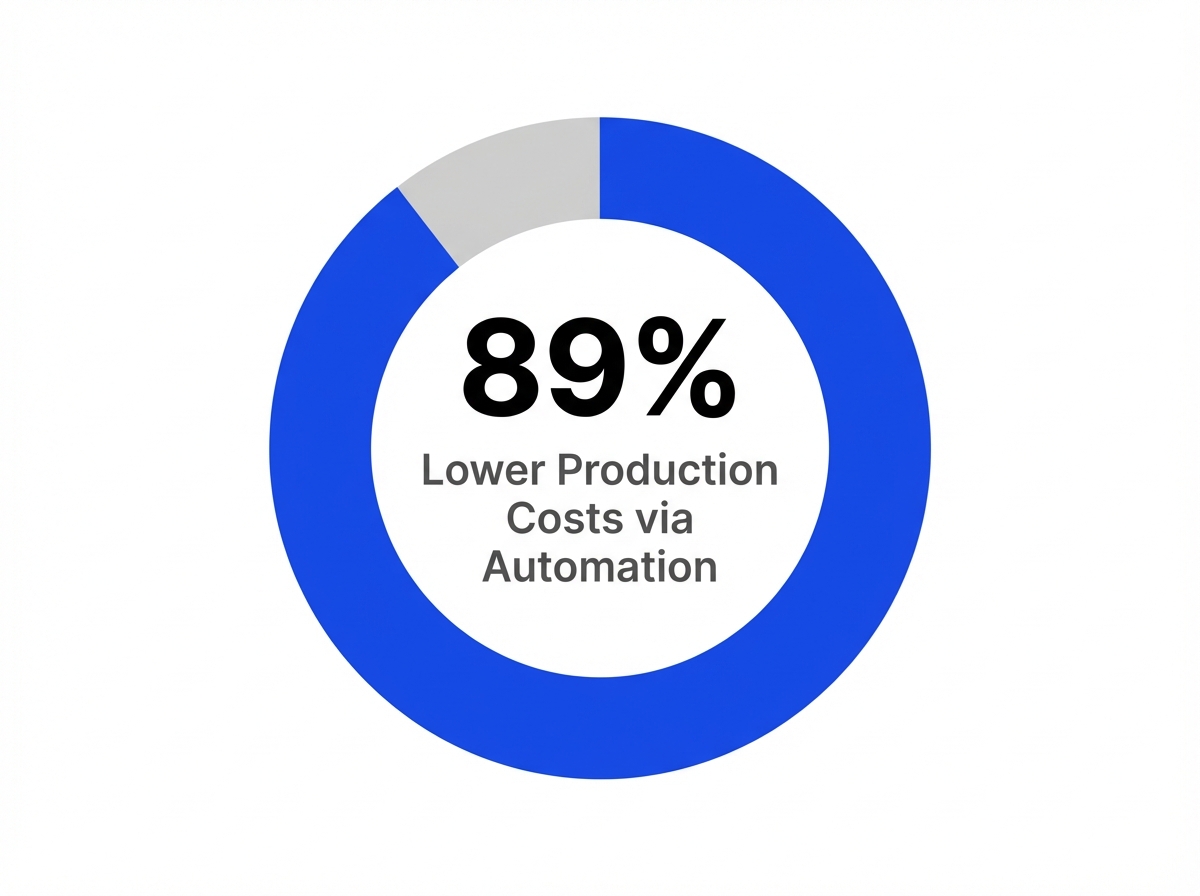 Reduction in Production Costs with Automation: 89%
| Requirement | Implementation Strategy | Benefit |
|---|---|---|
| Location Taxonomy | Custom Categories/Tags | Ensures content routes to specific facility pages. |
| Local SEO | Dynamic Geo-Modifiers | Automatically appends city/state to metadata. |
| Brand Consistency | Global Styles/Templates | Maintains uniform formatting across all posts. |
Defining these requirements upfront prevents data fragmentation and ensures that the automated output aligns with the complex structure of multi-location healthcare websites.
Step 2: Build Custom Plugin Integration Layer
WordPress REST API Configuration and Endpoints
A custom plugin acts as the orchestration layer, receiving the AI-generated content and mapping it to WordPress data structures. This plugin should register custom endpoints if standard endpoints do not suffice, but generally, the core endpoints are sufficient for most publishing needs. The primary endpoints utilized in this workflow include:
POST /wp/v2/posts: Creates the article draft, accepting title, content, and status.POST /wp/v2/media: Uploads the featured image and returns an ID for attachment.POST /wp/v2/categories: Assigns or creates necessary taxonomy terms.
Developers must ensure that the plugin handles error responses gracefully. For instance, if an image upload fails, the article should still be created as a draft with a flag for manual review, rather than failing the entire process. This resilience is critical for maintaining high-volume publishing schedules.
Connecting AI Content Generation to WordPress
The integration logic involves parsing the JSON output from the AI platform and sequentially calling the WordPress endpoints. The workflow begins by uploading the featured image to the media library or CDN. Once the image ID is returned, it is included in the payload for the post creation request.
For Webflow users, the logic is similar but interacts with the Webflow CMS API. The content is pushed to a specific Collection, with fields mapped to the CMS structure. Regardless of the platform, the goal is to achieve a "publish-ready" state where the content requires zero formatting or technical adjustment by human staff.
Step 3: Configure Yoast SEO Metadata Automation
Manual SEO configuration is a significant time sink in traditional workflows. To fully leverage wordpress ai publishing automation, the custom plugin must programmatically populate Yoast SEO fields. This ensures that every article targets the correct keywords without manual intervention.
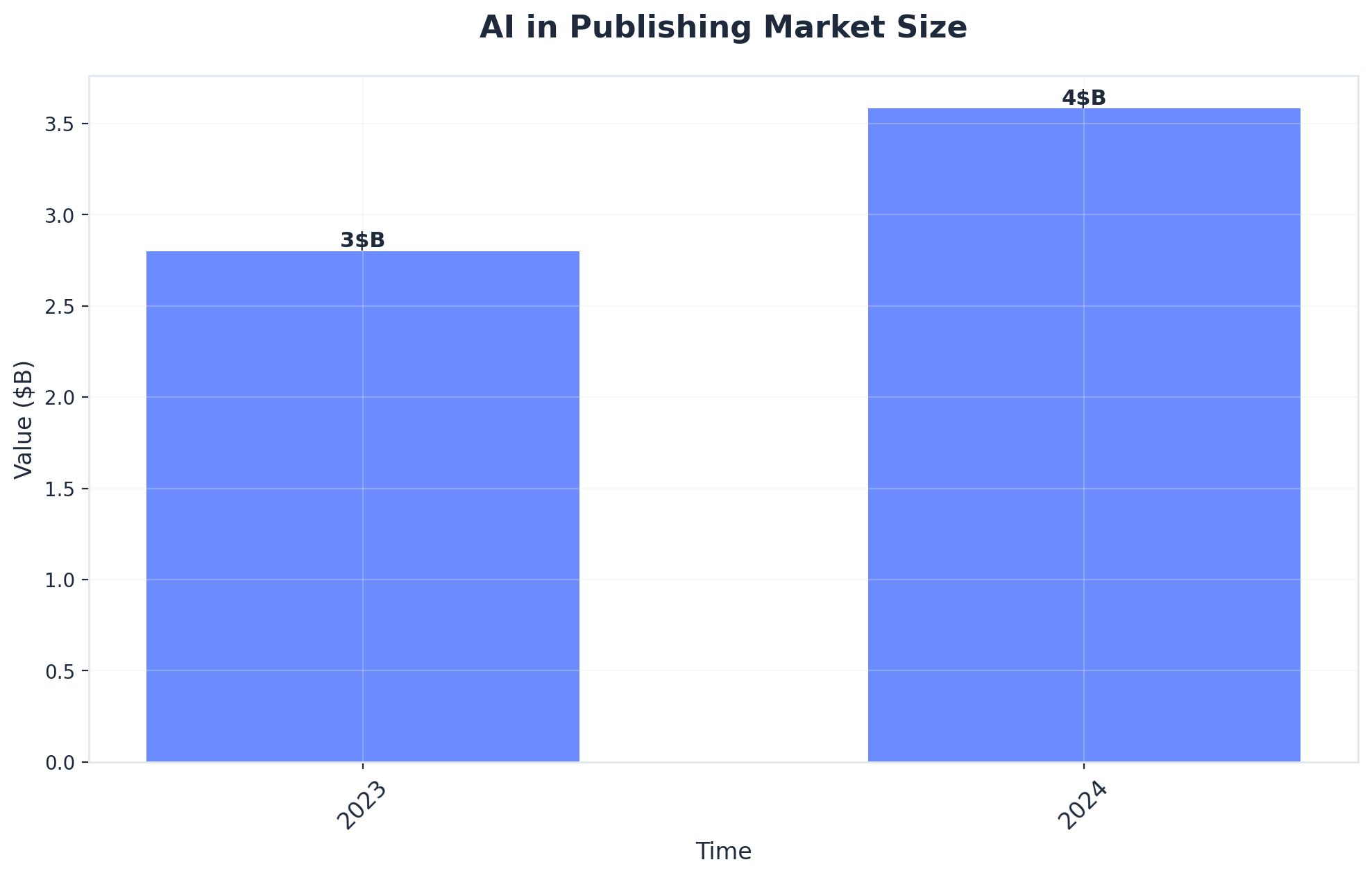
AI in Publishing Market Size (Source: AI in Publishing Market Size, Share, Growth | CAGR of 30.8%)
The integration should map the following data points from the AI generation phase directly to Yoast's custom fields:
- Focus Keyword: The primary search term identified during the keyword research phase.
- SEO Title: A concise, keyword-rich title tag (distinct from the H1).
- Meta Description: A compelling summary under 160 characters designed to maximize click-through rates.
In parallel, visual automation is handled by integrating with a CDN like Cloudinary. The system should automatically generate a featured image based on the article context, upload it to Cloudinary for optimization, and link it to the WordPress post. This ensures that images are served in next-gen formats (WebP/AVIF) and scaled correctly for all devices, significantly improving Core Web Vitals scores.
By automating both the technical SEO metadata and the visual asset delivery, healthcare marketing teams can scale content production indefinitely without adding headcount, effectively replacing the agency model with a high-performance internal engine.
Frequently Asked Questions
Conclusion
The implementation of automated publishing workflows represents a fundamental shift in how healthcare organizations approach content operations. By moving away from the labor-intensive agency model and embracing technical automation, marketing teams can achieve measurably better outcomes at a fraction of the cost. The combination of custom plugin integration, Yoast SEO automation, and Cloudinary delivery creates a robust infrastructure capable of supporting aggressive growth targets.
Vectoron's mission is to empower these teams to scale without adding headcount. The documented results—320% more qualified leads and an 89% reduction in costs—validate the efficacy of this approach. As the digital landscape becomes increasingly competitive, the ability to publish high-quality, optimized content at scale will define the market leaders in the healthcare sector.
References
- 1.Complete WordPress Custom Plugin Development Handbook.
- 2.Meta Tag Variables for SEO Optimization.
- 3.Introduction to Plugin Development.
- 4.Deliver Images and Videos at Scale – WordPress Plugin.
- 5.Auto Featured Image (Auto Generated).
- 6.How to Use WP REST API for WordPress Automation.
- 7.REST API Resources.
- 8.Automate Job Board Listings with Webflow CMS.
- 9.SEO Workflow: How To Build A System That Drives Results.
- 10.Webflow CMS API Reference.