
Key Takeaways
- Treat schema as a governed template library with monitoring, since Google retires features like FAQ rich results on May 7, 2026 18.
- Standardize on JSON-LD across clients because it decouples markup from HTML templates and is Google's recommended format for scale 1.
- Pick types by checking both the Schema.org vocabulary and Google's search gallery, since valid markup only earns rich results when the feature is supported 4, 15.
- Match each injection path—CMS fields, plugins, tag manager, or managed platforms—to the client's stack, and audit plugin defaults that over-emit Organization markup 6.
- Validate twice: run the Schema.org Validator for vocabulary accuracy, then the Rich Results Test on the live URL for feature eligibility 11, 12.
- Enforce a parity check so every marked-up property mirrors visible page content, avoiding manual actions tied to misleading or hidden data 2.
- For multi-location portfolios, use the most specific LocalBusiness subtype per location and restrict Organization markup to the brand page only 6, 7.
- Set monthly, quarterly, and per-release checkpoints to catch deprecations and vocabulary changes before client libraries drift out of compliance 16, 18.
Why schema delivery is now a governance problem, not a coding one
Structured data has evolved from a niche tactic to a mainstream requirement. In 2013, roughly 400,000 public domains used Schema.org, a number that surged to over 12 million by 202217. This significant growth shifts the focus for agencies from whether to implement markup to how to efficiently ship, validate, and maintain it across numerous properties without custom engineering for every project.
For SEO leads managing multiple clients, the primary challenge has moved. Google now supports no-code and low-code solutions, guiding agencies towards CMS settings, plugins, and dynamic injection when direct HTML access is limited1, 3. The vocabulary is established, encoding guidelines are clear, and testing tools are readily available. The critical need is for a repeatable system: a concise set of templates per page type, a consistent injection method for each client's tech stack, a dual validation process, and a monitoring cadence to adapt to Google's feature updates.
A key vulnerability for many agency libraries is their inability to adapt to Google's changes. For instance, Google's update log confirms that FAQ rich results will no longer appear in Search after May 7, 2026, alongside the removal of documentation for other feature types18. A technically sound implementation can lose its visible impact overnight if release notes are not monitored. The practical implication for an agency's Head of SEO is to manage schema as a governed template library with continuous monitoring, rather than a one-time deployment, thereby integrating recurring work into process rather than accumulating support tickets.
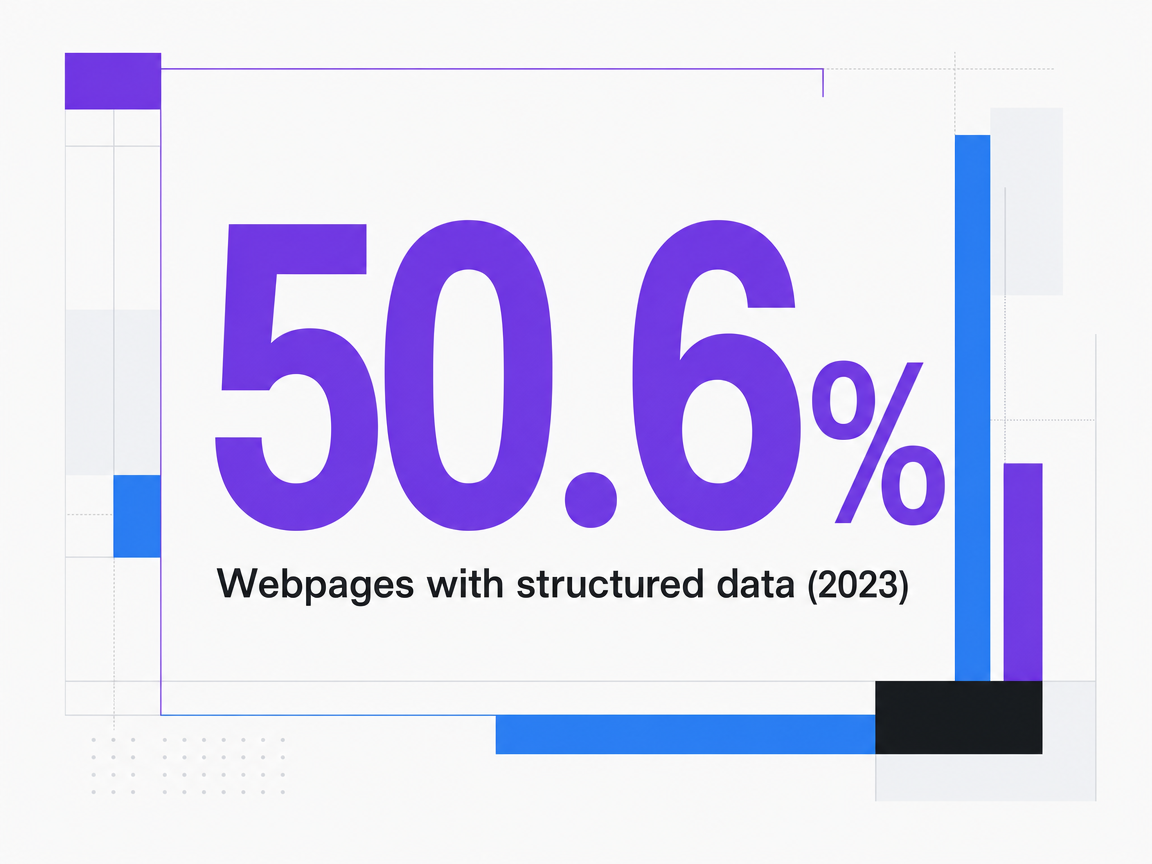 Webpages with structured data (2023)
Webpages with structured data (2023)
Settle the format question before touching a single page
The debate over structured data encoding is largely settled. The 2023 Web Data Commons sample indicates that 50.6% of HTML pages contained structured data, with 66% of those standardizing on JSON-LD. JSON-LD surpassed Microdata as the dominant encoding in 202017. Google's guidance supports this trend, recommending JSON-LD in most cases due to its ease of implementation and maintenance at scale, though all three encodings (JSON-LD, Microdata, RDFa) remain supported when correctly implemented1. For agencies managing templates across numerous properties, this convergence streamlines a key decision at project initiation.
JSON-LD offers significant advantages in a multi-client workflow. Its placement within a single script block, either in the head or body, decouples the markup from the surrounding HTML template. This separation allows content editors to modify headlines, images, or layout without affecting the structured data. Similarly, data teams can update the script independently of front-end engineers. In contrast, Microdata and RDFa interleave attributes directly into the DOM, meaning any template refactor necessitates a schema refactor. Across a diverse client portfolio, this coupling often leads to hidden regressions.
Standardizing on JSON-LD also simplifies the toolchain. While the Schema.org Validator can extract JSON-LD 1.0, RDFa 1.1, and Microdata, focusing on a single encoding reduces the parsing complexities a delivery team must manage during audits12. A crucial point for dynamically injected JSON-LD (via a tag manager or client-side widget) is Google's recommendation to test the rendered live URL rather than pasted code, due to JavaScript testing's cross-origin and rendering limitations3. By establishing the encoding choice at the agency level and documenting it in the delivery playbook, subsequent decisions—such as type selection, injection path, and validation cadence—become standardized processes rather than ongoing debates.
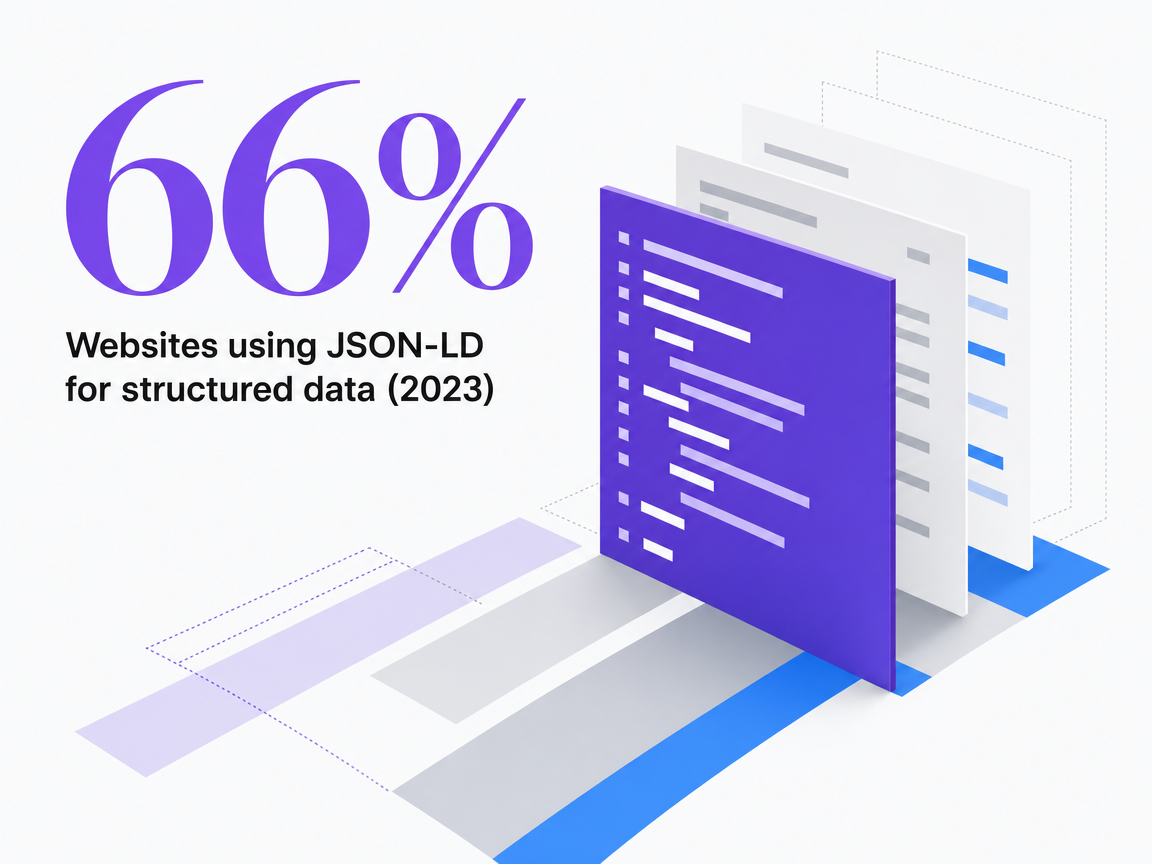 Websites using JSON-LD for structured data (2023)
Websites using JSON-LD for structured data (2023)
Pick the type from the page, not from a checklist
Separate Schema.org vocabulary from Google-supported features
Agencies must distinguish between two distinct registries governing structured data, as conflating them is a common cause for valid markup yielding no visible results. Schema.org defines the vocabulary, a comprehensive hierarchy of hundreds of types and over a thousand properties, maintained through regular releases (e.g., version 29.4 in December 2025, version 30.1 in September 2026)15, 16. Any type within this vocabulary can be syntactically valid markup. However, only a specific subset is utilized by Google Search for enhanced appearances.
Google's search gallery serves as the second registry, determining eligibility for rich results. It lists the specific feature types currently supported by Search, such as Article, Breadcrumb, Local Business, Organization, Profile Page, and Software App, and is updated as features are introduced or retired4. Consequently, a page can contain a perfectly valid Schema.org Event, Course, or Recipe object and still not produce any visible rich result in the SERP if Google does not support that feature for the given query type.
Operationally, a delivery team should perform two checks before creating any template:
- Confirm the type exists in the Schema.org vocabulary and supports the content's properties15.
- Verify that Google documents a current rich-result feature for that specific type4.
If only the first check passes, the markup is valid but purely descriptive. If both checks pass, the template is suitable for inclusion in the agency's library.
A decision matrix for the templates agencies actually ship
Most agency portfolios frequently utilize five recurring page templates: editorial articles, local location pages, author/team bios, software/product pages, and content hubs. By mapping each to the appropriate Schema.org type and corresponding Google feature, agencies can build a concise, reusable library, eliminating guesswork for each client. Google's search gallery dictates feature eligibility, while type-specific documentation outlines property requirements4.
| Page template | Schema.org type | Google-supported feature | Injection path | Validation cadence ||---|---|---|---|---|| Editorial article or blog post | Article, NewsArticle, or BlogPosting (most specific that applies) 5 | Article rich result | CMS-native field or SEO plugin | Per template change; spot-check 10% of URLs monthly || Local location page (multi-location brand) | LocalBusiness subtype (e.g., Dentist, HomeAndConstructionBusiness) 7 | Local business rich result | CMS template loop over location data | Per location data change; full sweep quarterly || Author or team bio | ProfilePage with Person as mainEntity 9 | Profile page experience | CMS author taxonomy or plugin | On bio publish; audit at template refactor || Software or product page | SoftwareApplication 10 | Software app rich result | CMS-native field or tag manager | Per release; monthly check for policy drift || Content hub or category | BreadcrumbList (minimum two ListItem entries) 8 | Breadcrumb trail in SERP | Theme-level template | Per IA change; annual sweep |
Two key principles ensure the matrix remains effective. Google requires the most specific LocalBusiness subtype; thus, a dental DSO location page should use Dentist instead of a generic LocalBusiness object7. Additionally, Organization markup should be placed on the single page introducing the entity (typically the homepage or About page), not duplicated across every template, to avoid injecting corporate identity into every blog post6. The ProfilePage type is reserved for pages primarily focused on a person or organization, excluding general staff directories from rich result eligibility9. Treating this matrix as a controlled list, rather than an exhaustive checklist, helps maintain library stability as clients, templates, and Google's gallery evolve.
Test Schema Markup Strategies on Live Content
Validate structured data impact by implementing and publishing schema markup on actual pages during your trial.
Choose an injection path you can run across every client
CMS-native fields and integrated plugins
The most straightforward method for structured data implementation often involves the CMS's inherent capabilities. Modern platforms frequently provide schema fields directly within page editors, and specialized SEO plugins extend this functionality to cover Article, LocalBusiness, Organization, Breadcrumb, and ProfilePage types without requiring direct template modifications. Google explicitly supports this approach, noting that CMS settings and plugins can generate markup when direct HTML access is unavailable or inefficient1. This means an agency can apply the same template library across diverse client environments—such as WordPress, Shopify, or HubSpot—with editors never needing to interact with raw JSON-LD.
However, this method involves a trade-off in control. Plugin outputs can be opinionated, sometimes injecting Organization markup on every page rather than restricting it to the homepage or About page, as Google recommends6. Agencies adopting plugins should audit their default emissions, disable irrelevant types for specific templates, and lock configurations within a client-onboarding checklist. Treating plugins as configurable components, rather than set-and-forget installations, is crucial for maintaining their viability at scale.
Tag manager and JavaScript injection
When a client's CMS is restrictive or the templating layer is managed by an internal development team with slow release cycles, a tag management system offers a practical alternative. Google Tag Manager, for example, can inject a JSON-LD block into the page at render time, allowing agencies to deploy, revise, and roll back markup without requiring a code deployment. Google directly supports this pattern, considering dynamically injected structured data valid if it appears in the rendered page3.
The primary consideration here is the testing methodology. Simple pasted-code checks fail to account for what the browser ultimately renders. Google advises validating the live URL rather than the source snippet, as JavaScript testing has cross-origin and rendering limitations that static checks cannot detect3. For agencies, this means the QA process must include a live-URL pass in the Rich Results Test for every GTM-delivered template, along with a URL Inspection check in Search Console to confirm Googlebot's view of the rendered output. Integrating this two-step verification into ticket templates transforms the tag-manager path into a reliable release channel.
Managed platforms and template libraries
The fourth approach integrates the benefits of the previous three. Managed marketing platforms often maintain their own schema template libraries, keeping them updated with Google's current gallery of supported features4 and pushing updates as the vocabulary or feature list changes. For agencies managing diverse client portfolios, the appeal lies in offloading the maintenance burden to a system that continuously monitors release notes.
The key criterion for evaluating such platforms is whether they expose the template library as a transparent, auditable asset or obscure it behind proprietary controls. A library that clearly displays the Schema.org type, its targeted Google feature, the properties mapped from CMS fields, and a version stamp linked to Schema.org releases16 can be governed similarly to an in-house library, but with reduced engineering overhead. Conversely, platforms that generate markup opaquely can lead to issues, such as validation failures months later with no clear insight into what changed. Vectoron and similar execution platforms exemplify this category when their schema layer is treated as a reviewable artifact, not a black box.
Validate twice: vocabulary first, then Google feature eligibility
A single validation pass often masks a common failure in agency delivery: markup that parses correctly but yields no rich results in Search, or markup that Google deems eligible despite subtle underlying vocabulary errors. Implementing two sequential checks helps differentiate these failure modes, guiding the team to the correct fix.
The initial validation should be performed using the Schema.org Validator. This tool extracts JSON-LD 1.0, RDFa 1.1, and Microdata from a URL or pasted snippet, identifies syntax errors, and displays the resulting graph. This allows reviewers to confirm that nested entities resolve as intended by the template12. This is a vocabulary check, verifying aspects like a valid author object for an Article, a real PostalAddress for a LocalBusiness, or appropriate use of inherited properties. If this initial gate fails, no downstream Google feature will function predictably, and the solution lies within the template itself, not Google's feature gallery.
The second validation step involves Google's Rich Results Test. This tool evaluates a publicly accessible URL or code sample against Google's current list of supported structured data features, indicating which rich results the page is eligible to generate11. It's important to note that eligibility does not guarantee display; Google explicitly states the tool shows what may be generated, not what will appear in a given SERP11. A page can pass the Schema.org Validator perfectly but fail this second test if its valid vocabulary type is not a feature Google currently consumes, a gap that the search gallery is designed to document4.
Two critical practices ensure the reliability of this dual-check system. For any template delivered via a tag manager or client-side widget, the Rich Results Test must be run against the live URL, not a pasted snippet, as Google highlights cross-origin and rendering limitations that make source-level checks unreliable for JavaScript-injected markup3. Furthermore, both tools should be re-run after any template refactor, not just at launch, because the vocabulary and feature gallery evolve independently. Integrating this two-gate validation into ticket templates, and recording which gate flagged a failure, eliminates guesswork regarding whether a missing rich result is a markup bug or a Google coverage gap.
Govern what you shipped: visible-content rule and manual-action risk
Deploying valid markup is not the final step for a delivery team. Google's structured data policies mandate that markup accurately reflect content visible on the page, include all required properties, and not mislead users. Violations can lead to ineligibility for rich results or even a manual action, which removes enhanced appearances until the issue is resolved2. For agencies, this means a template emitting a review rating, author credential, or price that is not visible in the rendered content poses a liability, regardless of its technical validity.
Common failure patterns are predictable:
- Author objects on Article templates populated from a CMS field that is no longer displayed in the byline.
- LocalBusiness opening hours that fall out of sync with the on-page hours module after a client edit.
- SoftwareApplication aggregateRating values pulled from outdated feeds.
Google specifically warns that such discrepancies can result in a manual action, or the markup simply being ignored while the page remains eligible for ordinary search results10. Each of these issues stems from a template drawing data from one source while the visible page uses another.
The solution is to implement a parity check in the delivery workflow: for each template in the library, identify the visible element that each required property mirrors. Any property lacking an on-page source should be flagged as a candidate for removal rather than a desirable addition.
Automate Schema Markup Across Sites—No Coding or Manual Tagging Required
See how leading agencies are deploying structured data at scale with centralized oversight, reducing implementation time by over 70% while maintaining technical accuracy and compliance.
If you manage multi-location or franchise portfolios
For agencies managing structured data across extensive location networks—such as dental DSOs, home services franchises, senior living operators, or multi-office law firms—the economics of template management shift significantly. The cost of a single developer-hour per template, while negligible for one page, becomes substantial when multiplied across tens or hundreds of nearly identical pages. A library of five location-page templates applied to 120 locations results in 600 schema instances governed by just five source files. In contrast, a per-page build would require auditing 600 bespoke objects whenever Google updates its LocalBusiness guidance.
The discipline of type selection becomes even more stringent in this context. Google requires the most specific LocalBusiness subtype available. This means a dental network should use Dentist, a plumbing franchise should use Plumber, and a senior living operator should use the relevant residential subtype, rather than a generic LocalBusiness object7. The template should dynamically read the subtype from the location record, ensuring that adding a new specialty or acquiring a different brand does not necessitate a schema rewrite. Operating hours, department structures, and address blocks should all map from the same location database that populates the visible page module, satisfying the visible-content requirement without needing a separate data pipeline2.
Conversely, Organization markup requires a different approach. It should be placed solely on the corporate page introducing the parent brand, not stamped onto every location template. This is a common error in franchise rollouts where plugin defaults duplicate the Organization object across the entire estate6. For a portfolio, the parity check should ensure one entity object on the brand page, one LocalBusiness subtype per location page, and a BreadcrumbList covering the hierarchy from brand to region to location, with nothing else by default. Governed in this manner, a 200-location rollout becomes a template-library adjustment, not a 200-ticket backlog.
Maintenance cadence: the FAQ deprecation as a template-library test
The impending deprecation of FAQ rich results serves as a clear benchmark for an agency's schema library. Google's update log confirms that FAQ rich results will cease appearing in Search on May 7, 2026, part of a broader trend of feature removals and documentation deprecations over the past two years18. Agencies that relied on FAQPage now face a critical question: what happens to client templates still emitting this markup?
The response to this challenge distinguishes well-governed libraries from accumulated ones. A governed library includes a version stamp, a feature-eligibility note linked to the search gallery4, and a designated owner for each template. When Google announces a deprecation, the owner can modify a single source file, decide whether to remove the markup or retain it as valid-but-decorative Schema.org vocabulary, and then push this change to all client sites using that template. An accumulated library, however, leads to a chaotic scramble to identify which clients received the FAQ snippet, which plugin generated it, and which pages will continue to ship it until someone remembers to disable the toggle.
A sustainable maintenance cadence involves three fixed checkpoints:
- Monthly, review Google's Search Central updates log for any additions, revisions, or removals of feature types18.
- Quarterly, re-run the Rich Results Test against a sample URL for each template in the library to detect any shifts in eligibility11.
- With each new Schema.org release (e.g., version 29.4 in December 2025, version 30.1 in September 2026), confirm that the vocabulary a template relies on has not been revised or superseded16.
Documenting each pass within the same ticket system used for content production prevents the library from drifting between audits.
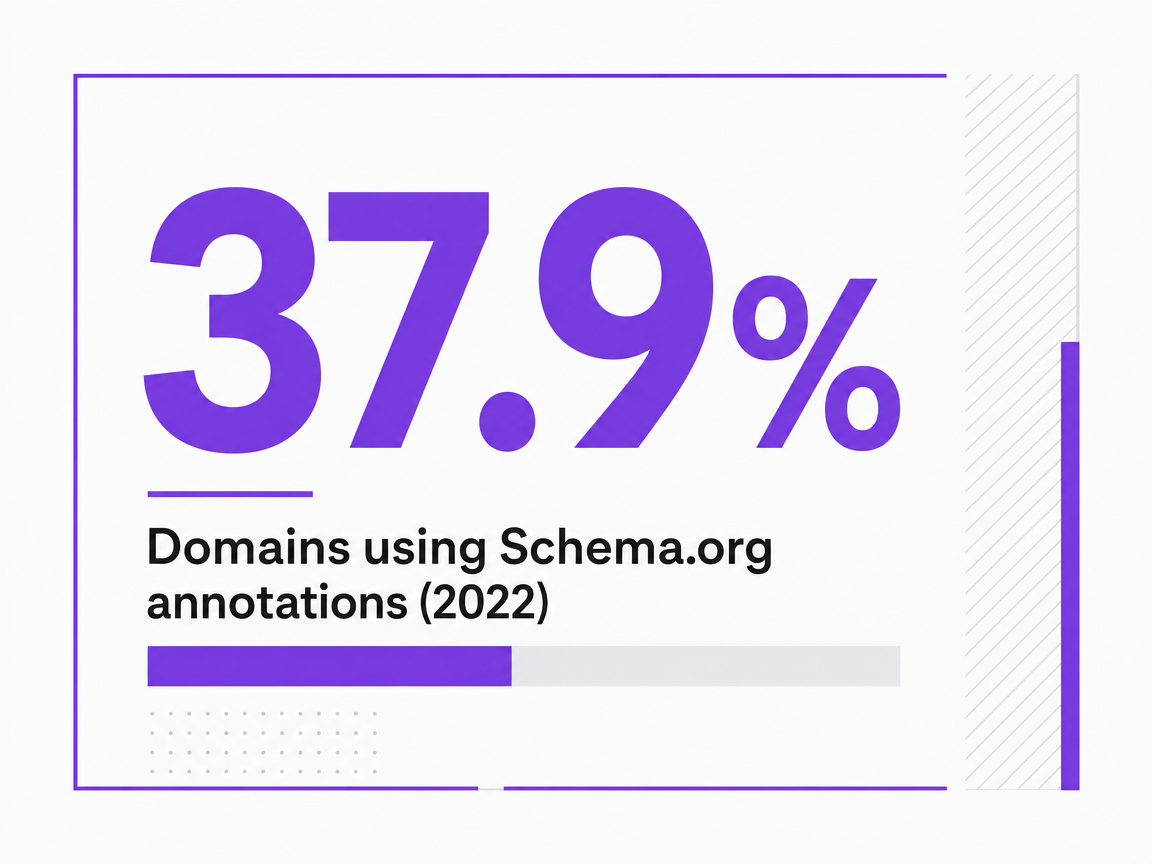 Domains using Schema.org annotations (2022)
Domains using Schema.org annotations (2022)
Frequently Asked Questions
References
- 1.Intro to How Structured Data Markup Works | Google Search Central | Documentation | Google for Developers.
- 2.Completeness.
- 3.Generate Structured Data with JavaScript.
- 4.Structured Data Markup that Google Search Supports.
- 5.Learn About Article Schema Markup | Google Search Central.
- 6.Organization Schema Markup | Google Search Central.
- 7.Local Business (LocalBusiness) Structured Data | Google Search Central | Documentation | Google for Developers.
- 8.How To Add Breadcrumb (BreadcrumbList) Markup.
- 9.Person Or Organization.
- 10.Software App (SoftwareApplication) Schema | Google Search Central.
- 11.Rich Results Test.
- 12.Validator.
- 13.Get Started.
- 14.Data Model.
- 15.Organization of Schemas.
- 16.Release listing.
- 17.The Web Data Commons Schema.org Data Set Series.
- 18.Latest Google Search Documentation Updates | Google Search Central | What's new | Google for Developers.